Working from home: Pandemia Edition 2020-04-02
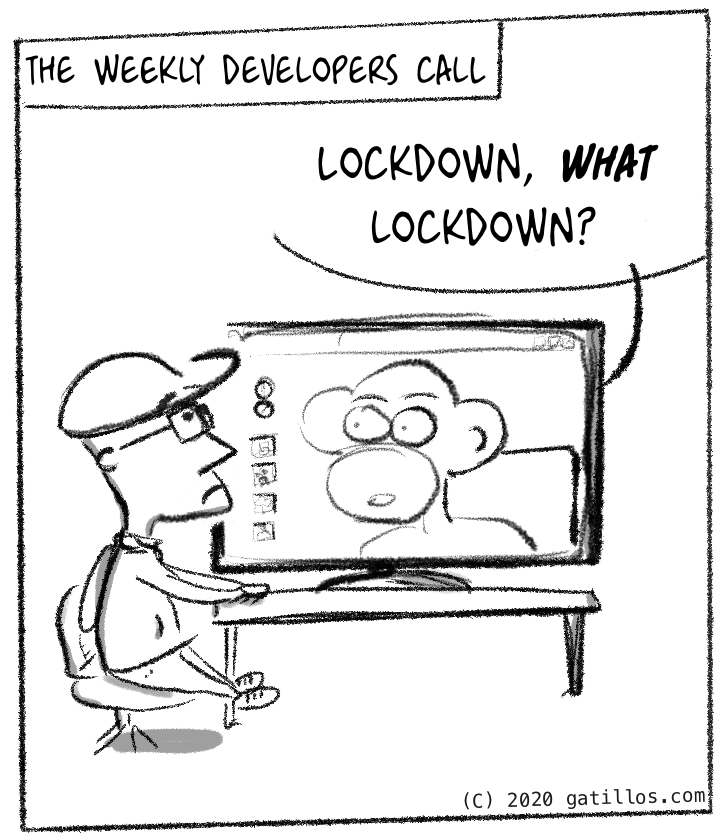
For some, things haven’t changed that much.
(more...)Working from home: Pandemia Edition 2020-03-30

I’ll see if I can post some simple comics like this, to lighten the mood a bit.
(more...)Wacom and Wayland: tweaks 2018-12-31
Until very recently you couldn’t really use a Wacom tablet on a Linux desktop that was using Wayland instead of Xorg. There is a major difference between X and Wayland in terms of tablets:
- Wayland supports tablet and other pointing devices as separate inputs
Previously we have been able to simply have the pencil move the main cursor whenever it gets close to the tablet. This worked fine but the Wayland way is actually better and allows for other functionality, unfortunately it means applications needed to be updated to be multiple cursor aware.
(more...)A bit late for an Inktober recap but here it goes. I participated in Inktober 2018 which is a loose initiative to encourage drawing aficionados to draw one ink drawing every day for a month. Originally I think part of the idea came from promoting actual ink and paper usage, but it’s quite open to digital solutions too. In my case I was interested in trying out an iPad Pro with an Apple Pencil that I had been given recently, and seeing what that could be used for.
(more...)Inktober 2018 - 2 - tranquil 2018-10-02

Inktober 2018 - 1 - poisonous 2018-10-01
Will do some quick drawings for Inktober 2018, which is a loose movement that asks for 31 ink drawings during the 31 days of the month of October. They are flexible between digital and actual ink (actual ink was the original goal though). They give a word to be used as a ‘prompt’ for each day. This one is “Poisonous”. I used Procreate on an iPad Pro with the Apple pencil.
(more...)Migrating a jekyll-based project to gitlab 2018-06-05
Github has worked great for me over the past many years, and I’ve been a paying customer for about 8 years. That’s not likely to change but I took the recent acquisition by Microsoft as a prompt to explore other options as I saw many comments praising gitlab, and specifically their continuous integration options.
I found that really interesting as I had found the plugin restrictions in Github very limiting - I want to be able to run preprocesses on my files so I don’t have to type or copy and paste so much.
This post explores how I migrated one of my sites there.
Outline of the process
- Import old project (PRs, issues etc)
- Create a .gitlab-ci.yml file (build pipeline) and build
- Check that page is live under gitlab.io domain
- Add a custom domain and SSL support using Let’s Encrypt (certbot)
- …
- PROFIT
Optionally: run your own runner to do the build (future post).
(more...)If you have a MacBook or similar the easiest backup solution is Time Machine and having a small server that is always ready to backup is my recommended option, as using an external disk depends on you remembering to plug it in.
The best option was the AirPort Time Capsule but Apple discontinued it last month. Nowadays there are quite a few networked hard drives that advertise support for Time Machine but if you have a Raspberry Pi or a computer that is mostly on all the time you can just build your own. Plus, you get to launch other things on that server, including other systems for non-time machine compatible devices.
In this post I’ll just talk about how to setup a Time Machine server using a docker container.
(more...)I have now a couple of sites using jekyll, one is this one and another one is this little news site that simply posts links to happy dog news. So far I’ve always created new posts using a small shell script or simply copying the previous entry and changing date/title.
Since that is a bit annoying, I decided to try using a plugin in Sublime Text, and this article explores how to do just that (spoiler: it’s all python).
(more...)