Well it’s been a few weeks without updates. I actually have a few pages almost finished, this time I just wanted to try to make sure they are a bit more coherent. Not sure if it will work, of course…
I’m having a bit of a conundrum here, well I would if I knew what the word conundrum actually means. Thing is, I’ve tried color with some very nice results but most of the time it doesn’t feel right. I feel I really need to set on a small palette, maybe grays or shades of blue or something. For the time being I decided I’m going a bit back and using shades applied in Inkscape and pencil shading.
(more...)I got a bit distracted 2011-05-30
I have an outline for the next page but somehow got distracted drawing with this graphite pencil. It’s a lot of fun. Pencil doesn’t really translate very well to the screen, so I did the trick with the auto levels of Mac OS X’s preview and it looks better.
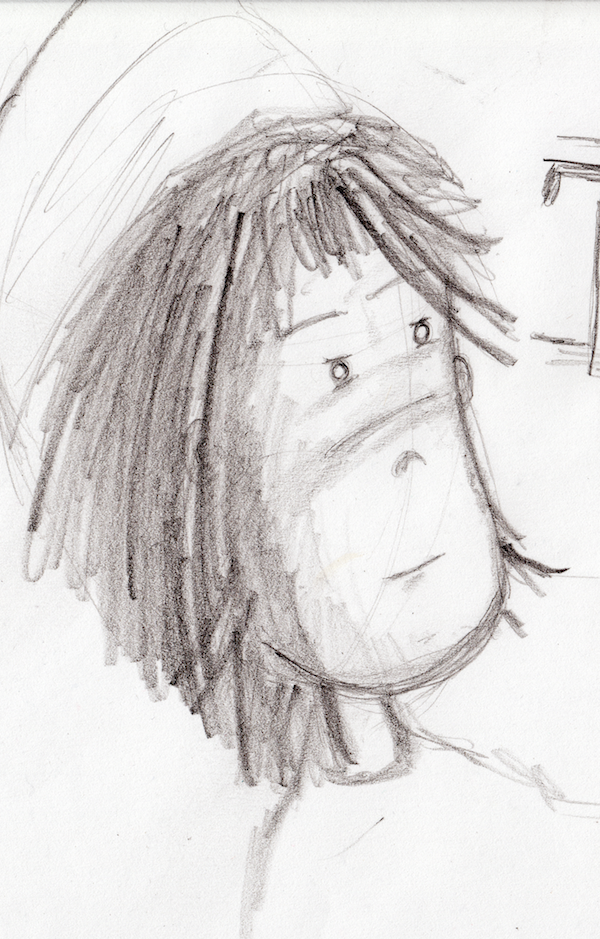
The pen is a Cretacolor Monolith, which is particularly interesting because it’s essentially all graphite, no wood, but still feels like a normal pencil.
(more...)Blog: Encounters of the third panel 2011-01-23
I like to now and then, draw one of those three panel comics. It’s really interesting how much you can say with only a few words. It’s also fascinating how difficult it is to make it right.
Most of the time, the humor is so narrow that only a few people actually understand what’s going on –and that doesn’t mean they will all find it funny, which narrows the audience even a bit more.
(more...)Blog: Merry Xmas! 2010-12-23
Everybody approaches these holidays in a different way. I decided that, in order to avoid offending those with different religious sensitivities, I should choose a topic that everybody liked, no matter your origin and beliefs.
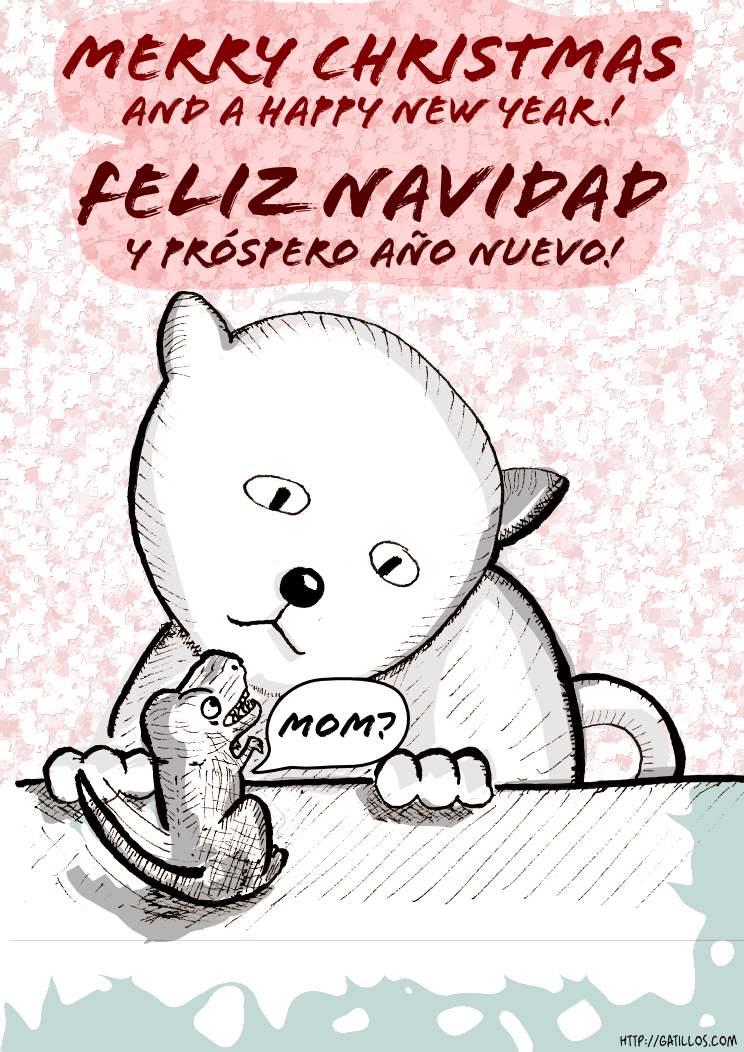
Hope you appreciate it. Next year will see the Spanish translation of my main webcomic, too, hence the bilingual message :).
(more...)Blog: Updating the archive 2010-11-15
I’ve been reorganizing the ‘LIFE/interior’ comic. I’m trying to bring more consistency to the story, essentially updating dialogues and adding a bit more context here and there. Most noticeable, I changed the font used for balloons. The font is now Blambot’s Artists Alley, essentially because I can’t –for the life of me– find a license for Yankshand, the font I was using before. Apparently the company that owns the rights went bankrupt so the font lies there in limbo, although many sites wrongly offer it and label it as free. I’m using all capital letters for text now, and rearranging/updating some texts.
(more...)Blog: Extracting ink from scans 2010-10-31
I thought I would nicely document what I’m doing right now in terms of transforming a regular scan of an inked comic into a transparent image that can be added to Inkscape (or Gimp) for coloring and shading.
Step one, scan an image: I’m doing it using Image Capture in Mac OS X just because it’s dead simple. I stay far far away from software provided by Canon, it’s simply not worth it for my needs. Here’s a capture of the process:
(more...)Blog: Slightly different style for a panel 2010-10-14
Yesterday I was playing with the scan of a drawing I had previously inked by hand. I added some shadows using Inkscape and have yet to decide whether to use it or to redraw it using vector graphics. Maybe I’ll just fix a bit the shapes inside the room and call it a panel :). I love drawings with this rough feeling, I only worry that maybe it’s hard to recognize the actual contents of the panel.
(more...)Blog: Pencils vs Pens vs Digital 2010-09-23
Let’s sample some of the results of my experimentation…
Here are some scans:
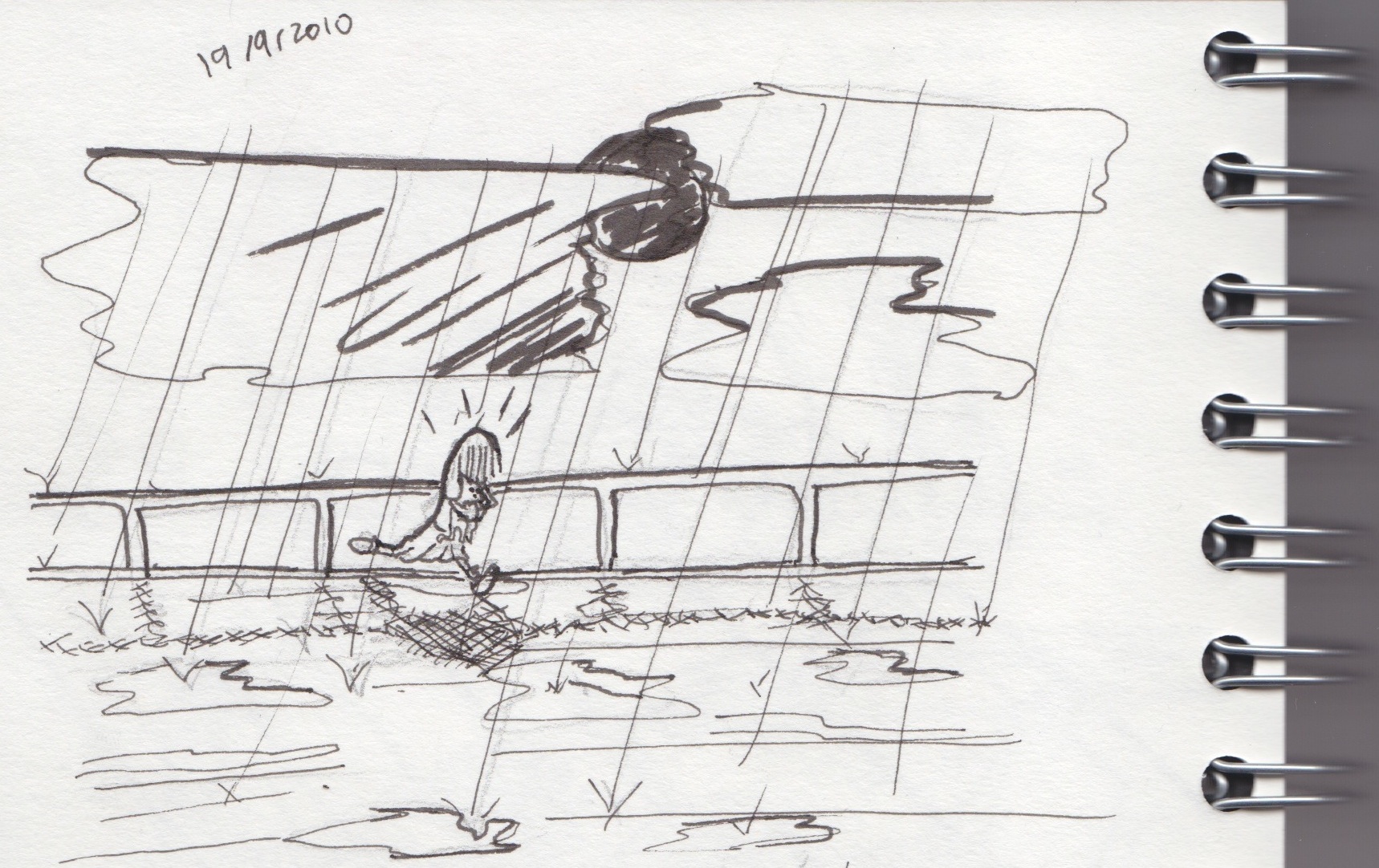
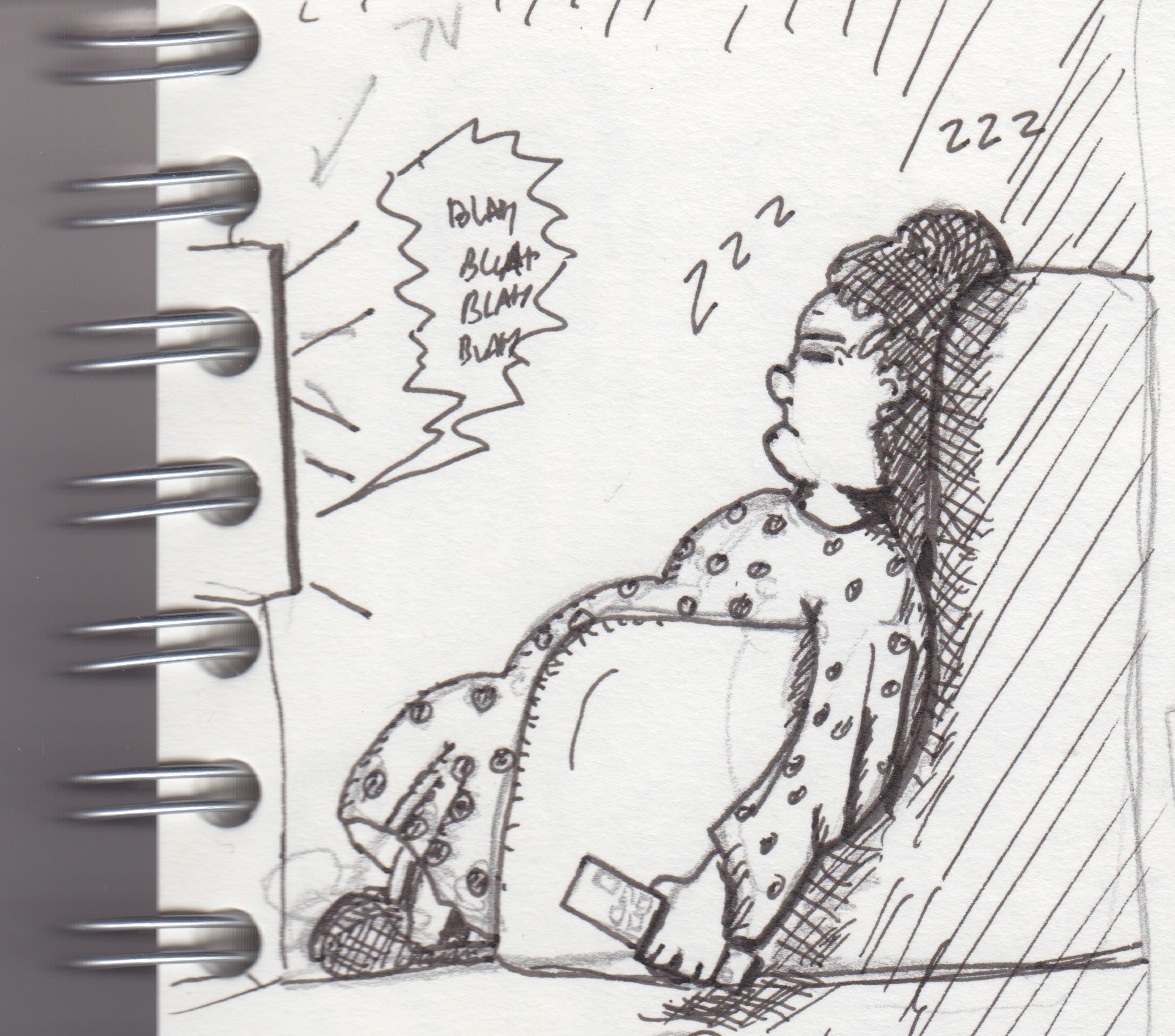
This is hand-drawn, first drafted with a regular pencil, then more-or-less-inked using pens. As you can see I don’t really know what to do with the brush-like pen I bought so I tried using it to make some lines stronger but it didn’t work too well.
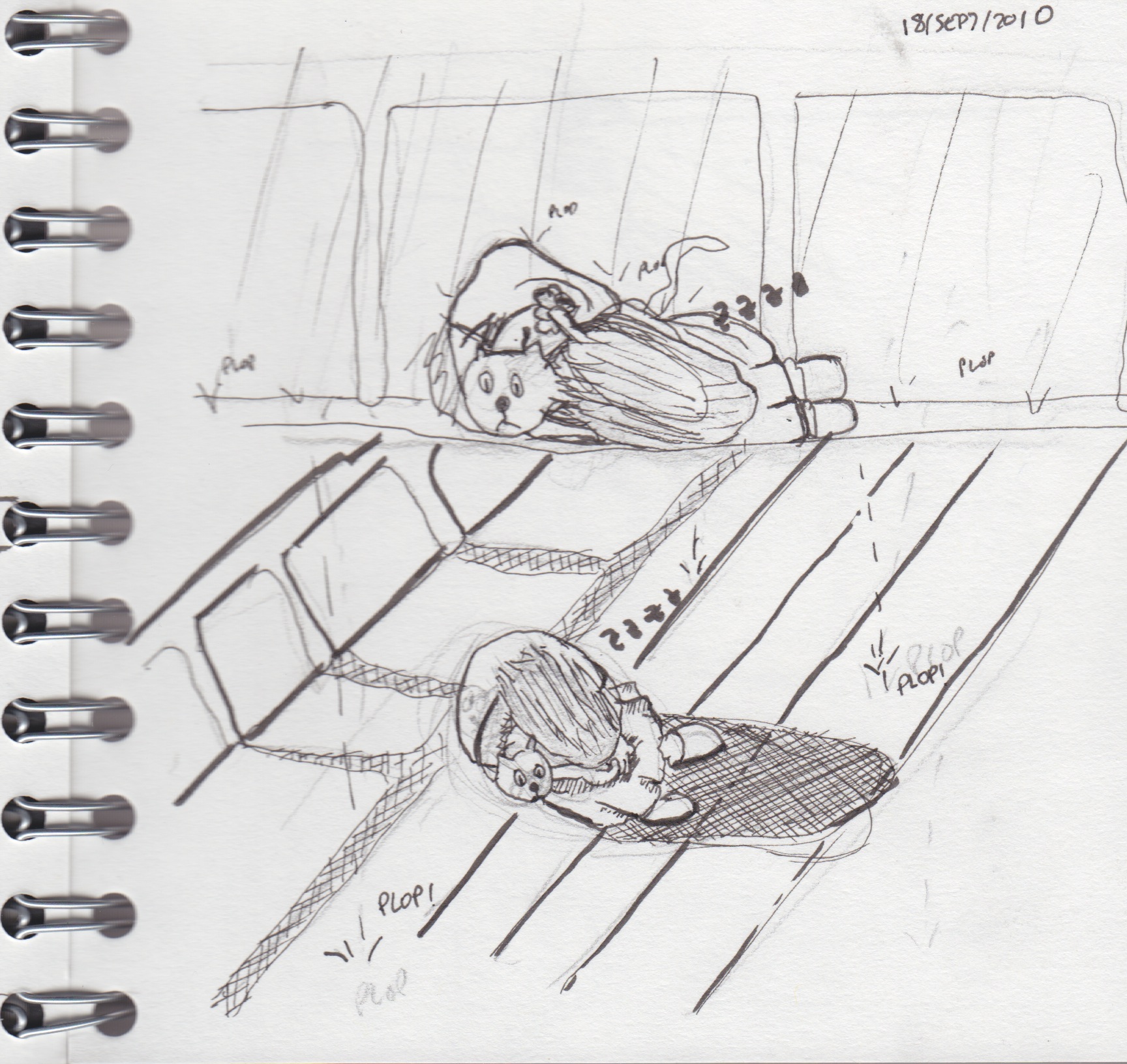
I didn’t erase the pencil, so you can actually see what I changed.
(more...)Blog: Crosshatching in Inkscape 0.48 2010-09-22
I upgraded to Inkscape 0.48 and so far it’s not going too well, it crashes a lot but this time it usually saves your work correctly before dying. There are a few good things, though. One of them is the Spray Tool.
As I’m trying different drawing styles, one thing that is very nice and quite easy to do by hand (albeit a bit tedious) is ‘crosshatching’ to display shades. That is, using lots and lots of lines to represent shades, forming a pattern. My first surprise was that there is no standard crosshatch pattern for filling, which seems odd (it has stripes, sand and other strange ones). There must be a reason but in any case that type of crosshatching is always perfect and that is not what I wanted.
(more...)I see lots of people praising the calligraphy tool in Inkscape, like these guys. That tool is essentially the one that lets you draw as if you were holding some kind of pen or a brush. It’s pressure-sensitive so it generates more or less realistic and ‘alive’ strokes.
On the other hand, the pencil tool generates just plain bezier lines that you can bend and modify afterwards. It follows your trace and kind of approximates what you are trying to do. After drawing a stroke, you can modify it quite easily, whilst the calligraphy tool generates strokes that contain so many nodes that it’s not worth trying to rearrange it, it’s just better to redraw that particular stroke.
(more...)